Video content is growing faster than ever. From YouTube and Instagram Reels to TikTok and online courses, creators now need professional-looking videos to stand out. But traditional video editing software can feel confusing, expensive, and time-consuming for beginners.
That’s where AI video editing tools come in.
Modern AI-powered editors can automatically cut clips, remove background noise, generate subtitles, improve audio, add transitions, create social media shorts, and even generate videos from text. These tools save hours of editing work and make video creation much easier for beginners.
In this guide, we will explore the best AI video editing tools for beginners in 2026, including their features, pricing, pros, and who should use them.
What Are AI Video Editing Tools?
AI video editing tools use artificial intelligence to automate editing tasks that normally require manual work.
These tools can help with:
- Auto-cutting unwanted scenes
- Removing silence
- Generating subtitles automatically
- AI voiceovers
- Background removal
- Smart transitions
- Auto color correction
- Text-to-video generation
- Social media clip creation
- Audio enhancement
Instead of spending hours editing manually, AI tools complete many tasks in minutes.
Read More
- Best AI Tools in 2026: Smart Technology Changing Everyday Life
- Artificial Intelligence: The Smart Technology Changing the Future
Why Beginners Should Use AI Video Editors
Beginners often struggle with:
- Complex timelines
- Audio syncing
- Transitions
- Color grading
- Subtitle creation
- Export settings
AI tools simplify everything.
Benefits of AI Video Editing
1. Saves Time
AI automates repetitive editing work.
2. Easy to Learn
Most AI editors have beginner-friendly interfaces.
3. Professional Results
Even new creators can produce high-quality videos.
4. Affordable
Many AI editors offer free plans or low-cost subscriptions.
5. Perfect for Social Media
AI tools can automatically create vertical videos, captions, and shorts.
Best AI Video Editing Tools for Beginners
1. CapCut
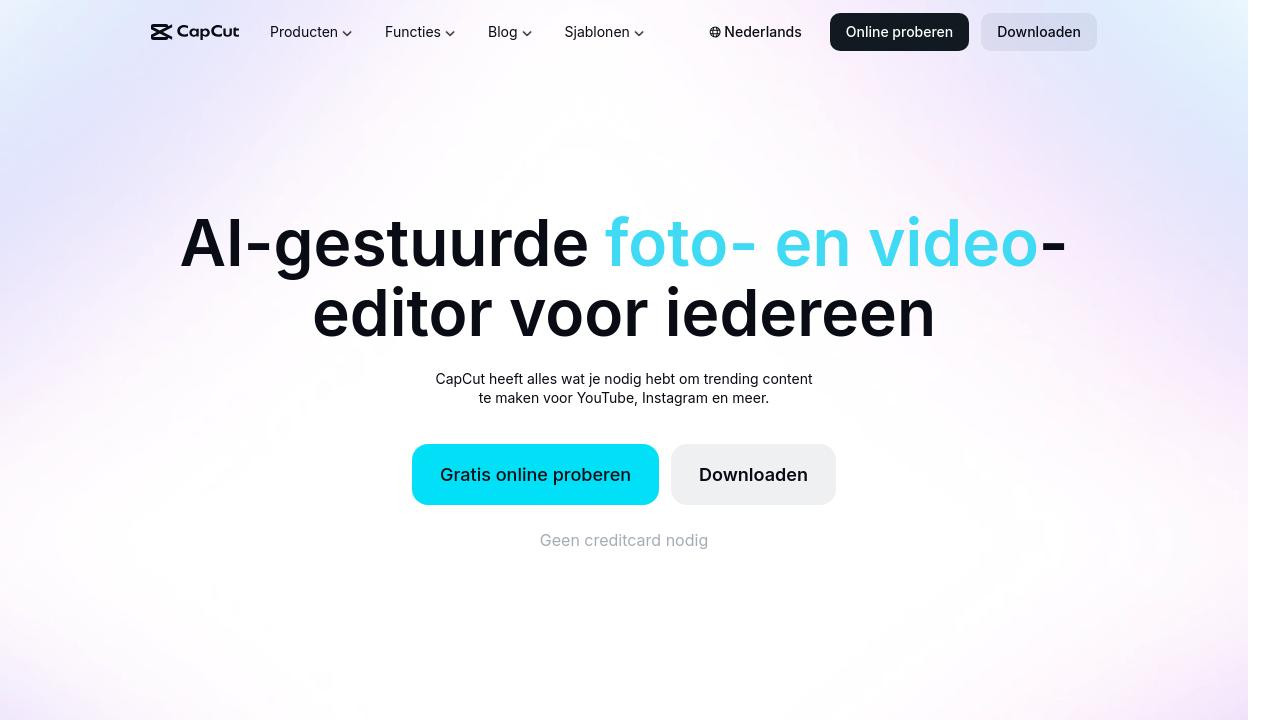
CapCut is one of the most popular AI video editing apps for beginners. It is widely used by TikTok creators, YouTubers, and Instagram influencers.
Best Features
- AI auto captions
- AI background removal
- Auto beat sync
- AI effects and filters
- Text-to-speech
- One-click transitions
- Easy mobile editing
Pros
- Very beginner-friendly
- Free to use
- Fast export speeds
- Excellent for short-form content
Cons
- Watermark on some exports
- Advanced editing is limited
Best For
- TikTok creators
- Instagram Reels
- YouTube Shorts
- Beginners using mobile phones
2.Descript
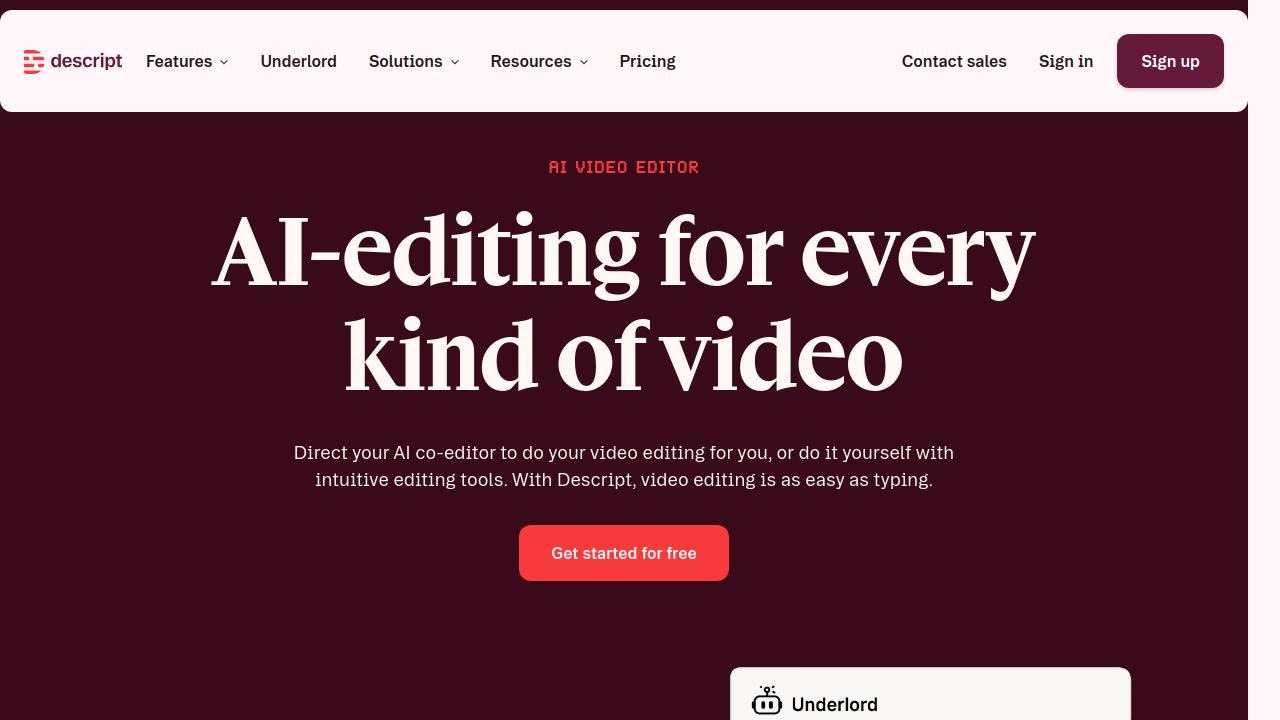
Descript is perfect for creators who make talking-head videos, podcasts, tutorials, or interviews.
Its most powerful feature is text-based editing. You can edit videos simply by editing text.
Best Features
- AI transcription
- Remove filler words automatically
- AI voice cloning
- Studio sound enhancement
- Screen recording
- Subtitle generation
Pros
- Extremely easy for beginners
- Great audio cleanup
- Fast workflow
- Excellent for podcasts
Cons
- Limited advanced visual effects
- Requires internet for some AI tools
Best For
- YouTubers
- Podcasters
- Course creators
- Interview videos
3. Canva

Canva is no longer just a graphic design tool. It now includes powerful AI video editing features that are ideal for beginners.
Best Features
- Drag-and-drop editor
- AI video generation
- Magic Resize
- AI background remover
- Video templates
- AI presentation videos
Pros
- Extremely simple interface
- Thousands of templates
- Great for social media videos
- Cloud-based editing
Cons
- Not ideal for cinematic editing
- Limited advanced controls
Best For
- Business videos
- Social media content
- Educational videos
- Marketing content
4. Adobe Premiere Pro

Adobe Premiere Pro is one of the most powerful video editors in the world. While it is more advanced, Adobe has added AI features that make editing easier for beginners.
AI Features
- Auto reframing
- AI color correction
- Speech-to-text captions
- Scene edit detection
- Audio enhancement
Pros
- Industry-standard software
- Powerful AI tools
- Professional-quality editing
- Huge plugin support
Cons
- Steeper learning curve
- Monthly subscription required
Best For
- Serious YouTubers
- Professional creators
- Filmmakers
Final Thoughts
AI video editing tools are changing the content creation industry. Beginners no longer need advanced editing skills to create professional videos. If you want the easiest tool, start with CapCut. If you create podcasts or talking videos, choose Descript. For professional growth, Adobe Premiere Pro is a great long-term option.
The best part is that many of these tools offer free plans, so you can start creating videos immediately without spending much money. Whether you are a YouTuber, social media creator, student, marketer, or small business owner, AI video editing tools can save time and help you grow faster online.